
Open the job closeout
Confirm ticket, site, assigned person, and completed scope.
RECORD · Ticket referenceWrite the process. Run it. Cut defects.
Example workflow · not a customer case study
Give the field person a short closeout run that keeps the ticket, completed scope, finished condition, customer acknowledgment, and final sign-off together.
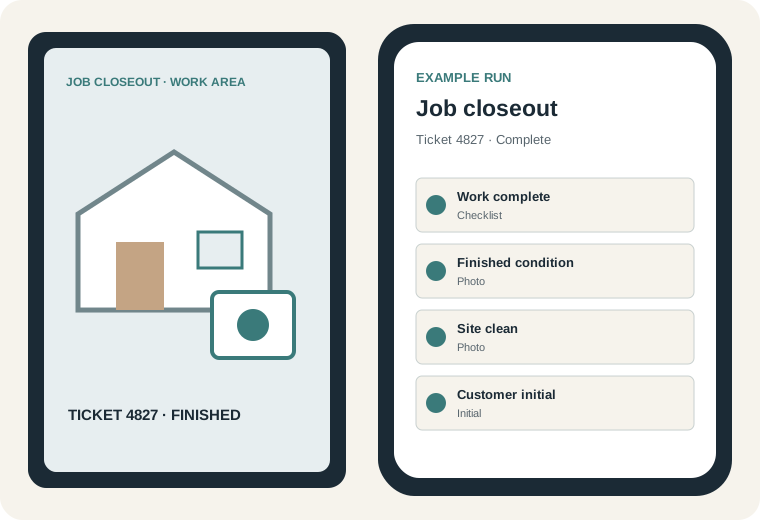
Five-to-seven step run
Evidence control: Optional by default. Store a finished-work photo or customer initial when useful; no gate unless that closeout procedure enables it.
Confirm ticket, site, assigned person, and completed scope.
RECORD · Ticket referenceCheck each promised item against the ticket scope.
RECORD · Completion checklistTake the required photo of the completed work.
RECORD · Finished-work photoConfirm cleanup, access, equipment state, and removed materials.
RECORD · Checklist and optional photoCapture the customer's initial or documented unavailable state.
RECORD · Customer initialSign the run and return the closeout status to the office workflow.
RECORD · Worker signature and timestampExample workflow, not a customer case study.