
Open the receipt
Scan or enter the PO, supplier, carrier, and delivery reference.
RECORD · PO or delivery scanWrite the process. Run it. Cut defects.
Example workflow · not a customer case study
Give the dock a repeatable receiving run that records what arrived, how much, its condition, and the accept-or-hold decision.
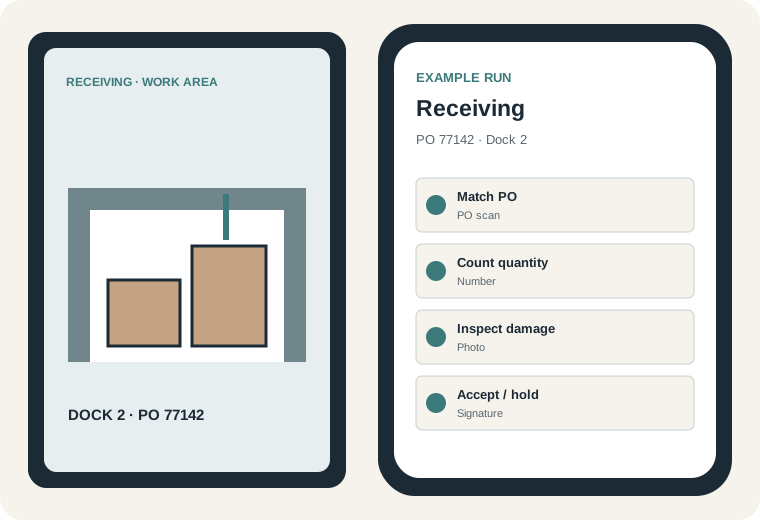
Five-to-seven step run
Evidence control: Optional by default. Require a damage photo only when the receiver selects damaged or hold.
Scan or enter the PO, supplier, carrier, and delivery reference.
RECORD · PO or delivery scanCompare item number, description, revision, and packing slip.
RECORD · Item checkRecord received, expected, and short or over quantities.
RECORD · QuantityCheck packaging, visible damage, contamination, and required certificates.
RECORD · Condition checklistWhen damage exists, require a photo before the receipt can continue.
RECORD · Damage photoApply the receiving label and record the named accept-or-hold decision.
RECORD · Label check and signatureExample workflow, not a customer case study.